
For mobile-first professionals
Your business card. In your wallet.
Apple Wallet, Google Wallet. Lock-screen access. One tap to share. Recipient never installs an app.
Why a Wallet card
Three reasons your prospect didn't save your contact.
01
Five steps to share a card.
Five steps to share a card from a regular app. The prospect's already at 'let me grab my coffee' by the time you're past step three. Wallet collapses that to one tap on the lock screen - phone asleep, share done.
02
'Can you install our app real quick?'
No prospect installs an app to receive a contact. Our recipient flow is 100% browser-side - the QR opens to a Safari/Chrome page with a one-tap save. The other vendors who require an app for the recipient are the ones losing the lead.
03
'Wait, that's your old number.'
Every paper-card promotion creates a future apology. Wallet pushes updates over the air - the moment your title or extension changes, every saved contact sees the new info. No reprints, no awkward correction emails.
How it works under the hood
Real Apple Wallet. Real Google Wallet.
Built on .pkpass and Google Wallet APIs. Your card is a real signed Wallet pass - the same format the airlines use. iOS and Android render it with native UI, native gestures, and native lock-screen surfacing. No fake interface pretending to look like Wallet.
Geofenced and time-aware. The pass surfaces on the lock screen when you arrive at your office, your booth at a conference, or your client's address. iOS even nudges it to the front when you double-click the side button - exactly the muscle memory people already have for boarding passes and Apple Pay.
Push updates with no recipient install. Edit your title in the HeyDrop app - the new version propagates to every Wallet pass you've issued and to every contact card someone saved from your link. The recipient sees the update; the recipient never installed our software.
What you get in the pass
What's in the pass.
The native Wallet feature set, plus the things a working professional actually shares.
Real Apple & Google Wallet pass
Native .pkpass on iOS, native Google Wallet on Android. Lives next to your boarding pass and loyalty cards.
Lock-screen tap-to-share
Phone asleep, side-button double-click, scan. Three seconds end-to-end. No unlock, no app launch.
Push updates over the air
Edit once. Every saved pass and saved contact reflects the change instantly. No re-add, no re-issue.
Smart geofence surfacing
Pass shows up on the lock screen when you're at the office, the booth, or the client's address. Native iOS behaviour.
Biometric profile, public card
Your private profile stays behind Face ID in the app. The pass exposes only the public info you chose to share.
Offline-ready
QR renders without signal. Conference Wi-Fi can die - your share still works.
What changes once it's on the lock screen
From day one to day three-sixty-five.
Day 1
Pass installed in under 60 seconds.
Open the HeyDrop app, tap 'Add to Wallet,' approve the pass. It's on the lock screen before the kettle finishes boiling.
Day 30
Muscle memory replaces fumbling.
After two weeks of Wallet, reps stop reaching for paper. Every introduction goes through the lock-screen tap. Conference badge dwell-time drops from 90 seconds to under 10.
Day 365
Three job titles in, no reprints.
Title bumps, phone changes, even a company rebrand - all push to past saved contacts via the Wallet pass. Print bill: zero. Apology emails: zero.
1 tap
From lock screen to share
0 apps
For the recipient to install
100%
Native Apple & Google Wallet
137
Countries supported
Built for both buyers
Loved by the AE. Approved by the CIO.
“HeyDrop helped our sales team capture 3x more leads at CES 2026. The AI scanner is a game-changer for conferences.”
“We rolled out HeyDrop to 200+ employees in a week. Consistent branding, zero IT headaches.”
A real day, two real users
An AE at a booth and a CIO in a procurement review.
Workflow 1 · Booth, day three
The 4 p.m. fade.
Day three of a conference, your AE's voice is gone. A prospect approaches. Old workflow: hunt for the cleanest paper card in the bag, hope the prospect remembers to email Monday. New workflow: lock screen, double-click, QR up. Prospect scans. Done in nine seconds. AE keeps talking.
Workflow 2 · Procurement
'Where does the data live?'
CIO opens the security review. Encryption in transit and at rest, scoped access, biometric profile lock, no viewer analytics surfaced. The Wallet pass is signed by Apple/Google - the platform itself attests provenance. Three checkboxes, no architecture review needed.
The recipient experience
No app, no signup, no friction.
The prospect scans your Wallet QR with the camera they already use to read restaurant menus. Your card opens in their browser. They tap 'Save to Contacts.' That's the entire flow. No 'create an account to view this card.' No 'install our app.' No tracking pixel calling home. See the security architecture.
- Recipient opens in Safari/Chrome - works on any phone shipped in the last decade.
- Your private profile stays behind Face ID; the pass shows only public fields.
- No viewer analytics surfaced to anyone - your prospect isn't a data point.
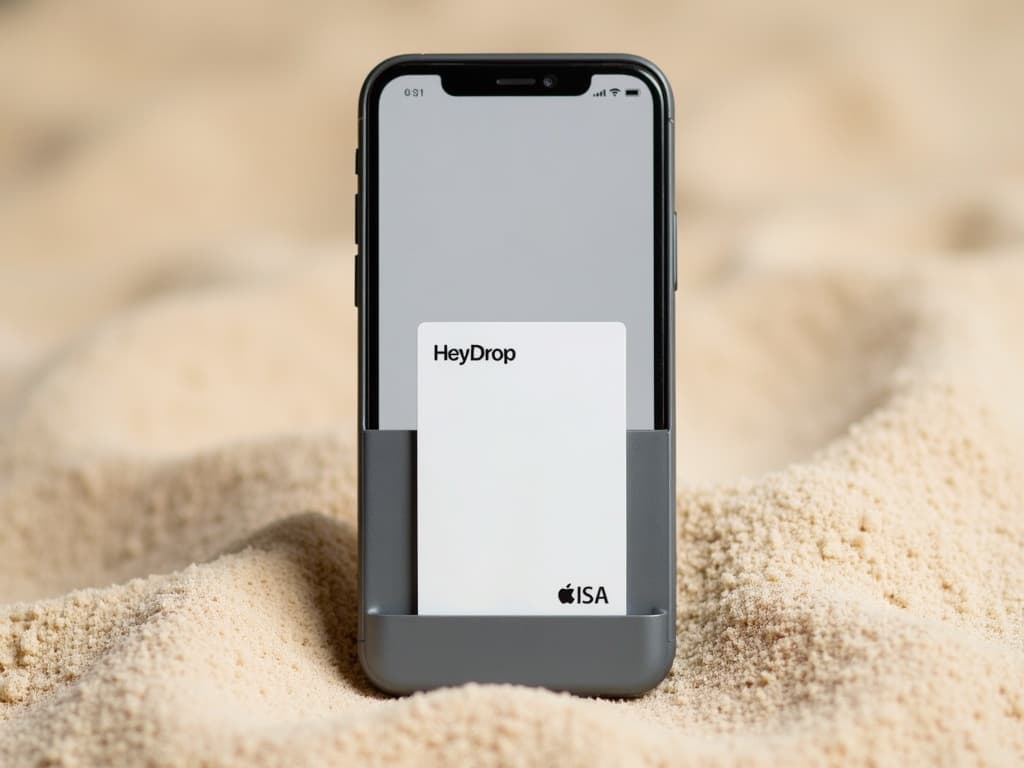
Add to Wallet
Be on the lock screen by lunch.
Pro is $3.75/month billed annually. Teams plans start at $1.99/card. Starter plan covers QR and link sharing today.
Wallet questions, answered
FAQ
How does an Apple Wallet business card actually work?
Your HeyDrop card installs as a Wallet pass. It sits in Apple Wallet alongside boarding passes and loyalty cards, surfaces on the lock screen when you're near a recipient, and shares its QR with one tap. The recipient opens the QR in any browser - no app required.
Does it work on Android with Google Wallet too?
Yes. We ship full Google Wallet pass parity. Android users add the same card to Google Wallet, get the same lock-screen surfacing, and the same QR experience. One card, both platforms.
What happens to a Wallet card when I update my title or photo?
Push notification - the pass updates over the air. No re-add, no re-download. Past recipients who saved your contact see the new info next time they open it. Old paper cards in someone's drawer keep your old number forever; Wallet cards don't.
Does the recipient have to install HeyDrop to receive my card?
No. The recipient scans your QR (or taps an NFC card) and opens your contact page in Safari or Chrome. They tap 'Save to Contacts' and you're stored. Frictionless is the whole point - paper cards lose 88% of contacts because the recipient has to retype them.
Is it safe to share via Wallet - what does the recipient actually get?
They get a public-facing card with the info you chose to publish: name, title, company, links, photo. Nothing private. No account credentials, no payment data, no location. Wallet is just the surface - your private profile stays in the HeyDrop app behind biometric login.
Will it work offline at a conference with no signal?
Yes. The Wallet pass is stored locally on the device. The QR renders offline; you can show and share without a connection. The recipient's save-to-contacts step also works offline because it just opens a local browser cache of your card the next time they're online.
Is the Wallet card included in the Starter plan?
Wallet cards are on Pro ($3.75/mo billed annually) and Teams plans. The Starter plan covers QR and link sharing, which works today - Wallet is the upgrade for anyone sharing more than once a week.